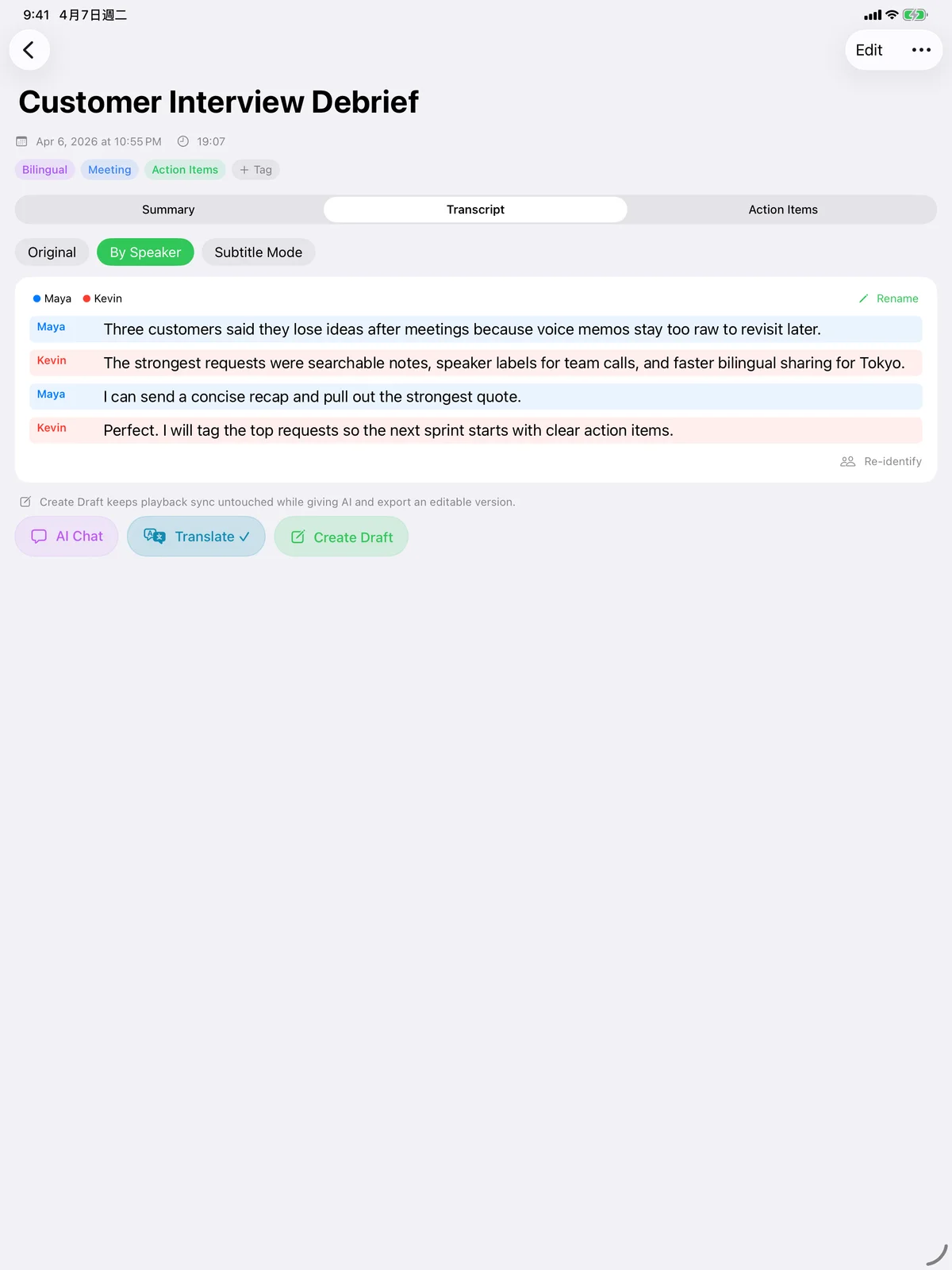
iPad
Your big-screen workspace
Review long transcripts, speaker-separated meetings, and action items with room to breathe. AI chat keeps the full context on one screen while you refine summaries and subtitles.
Record on iPhone, iPad, or Apple Watch. Speechy turns every recording into a searchable note with AI summaries, action items, speaker labels, translations, and SRT / VTT subtitles. Transcription runs on your device with Apple's speech recognition, so your audio stays private by default.
Start in one tap on iPhone or Apple Watch when the moment cannot wait.
Every long recording compresses into decisions, follow-ups, and notes you can act on.
Bilingual transcripts, SRT / VTT export, and full-text search are built in.
Free download with optional auto-renewing subscriptions. Monthly: US$6.99. Yearly: US$47.99.
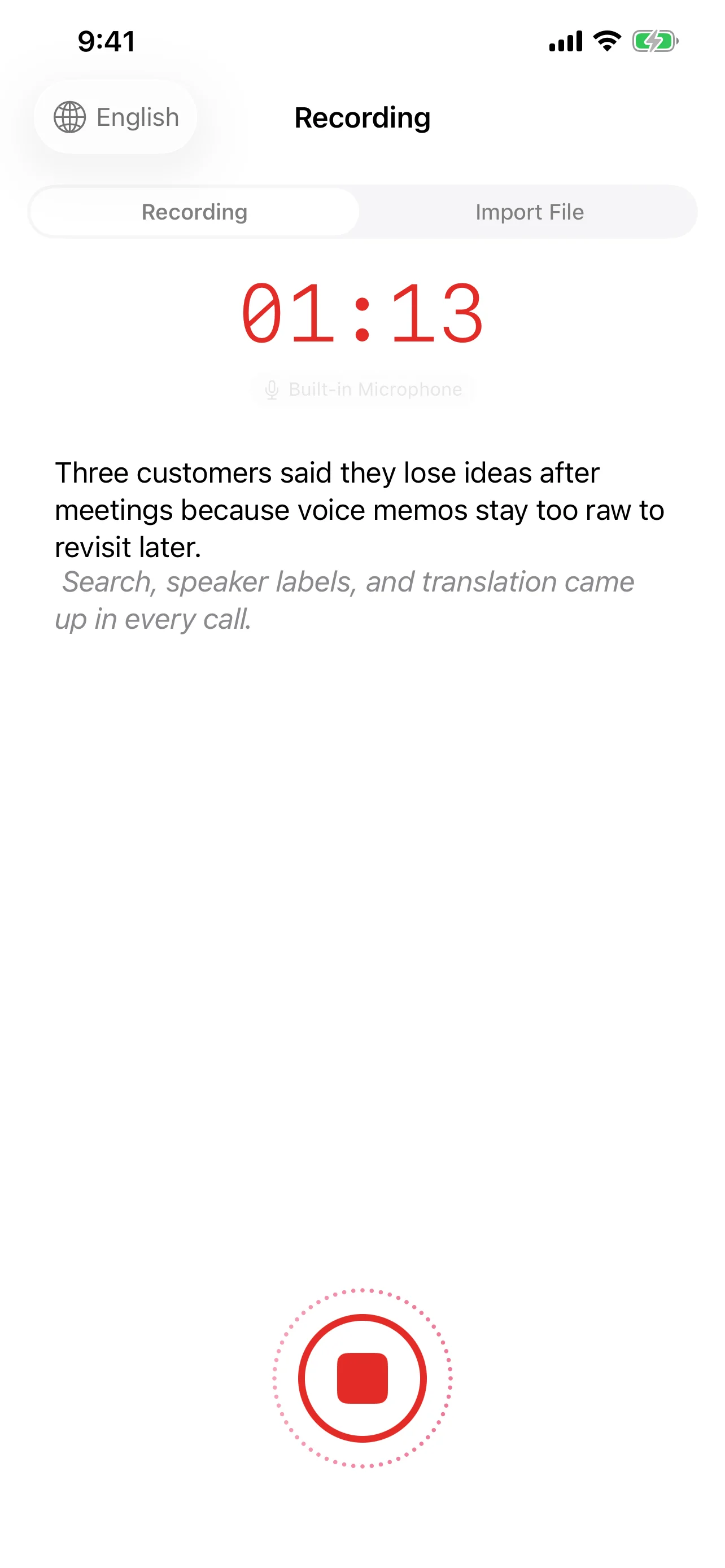
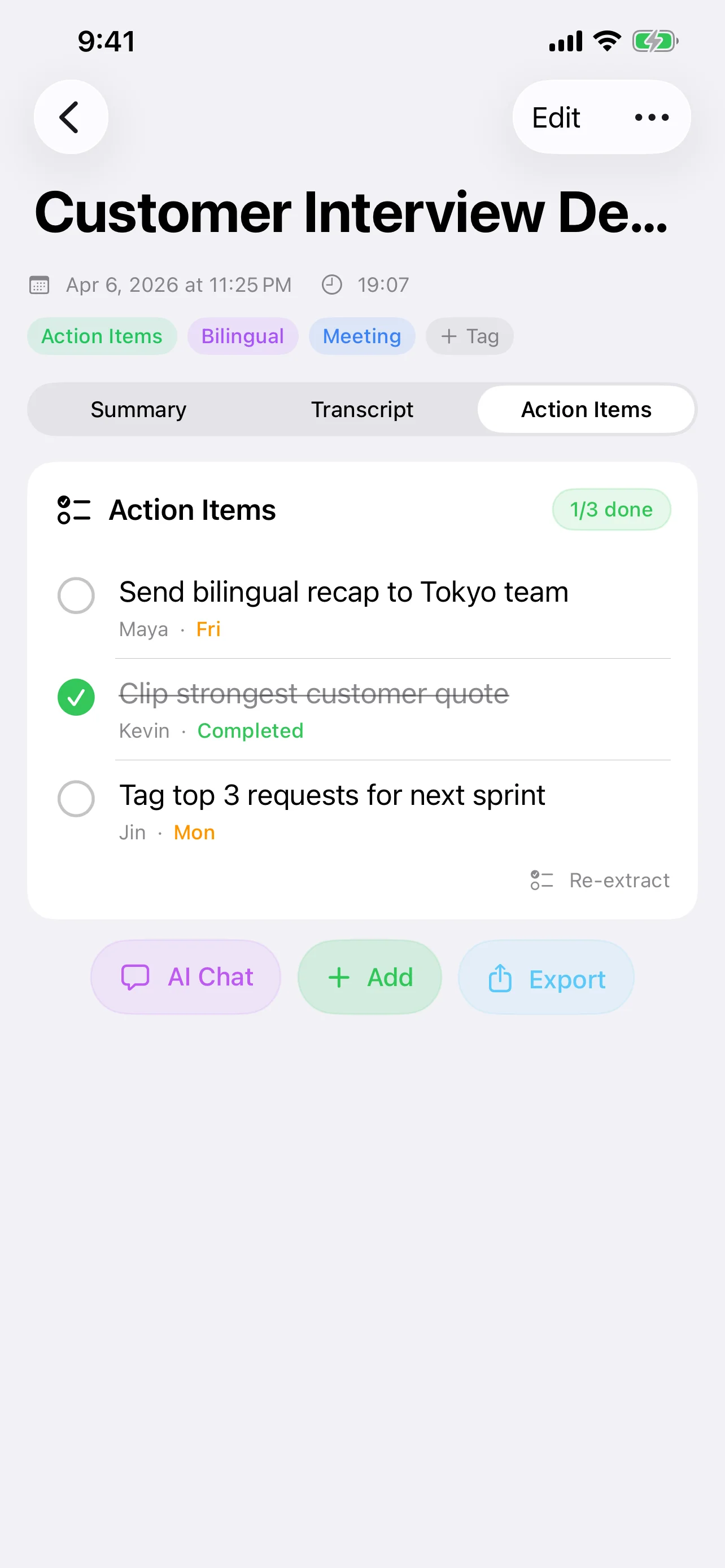
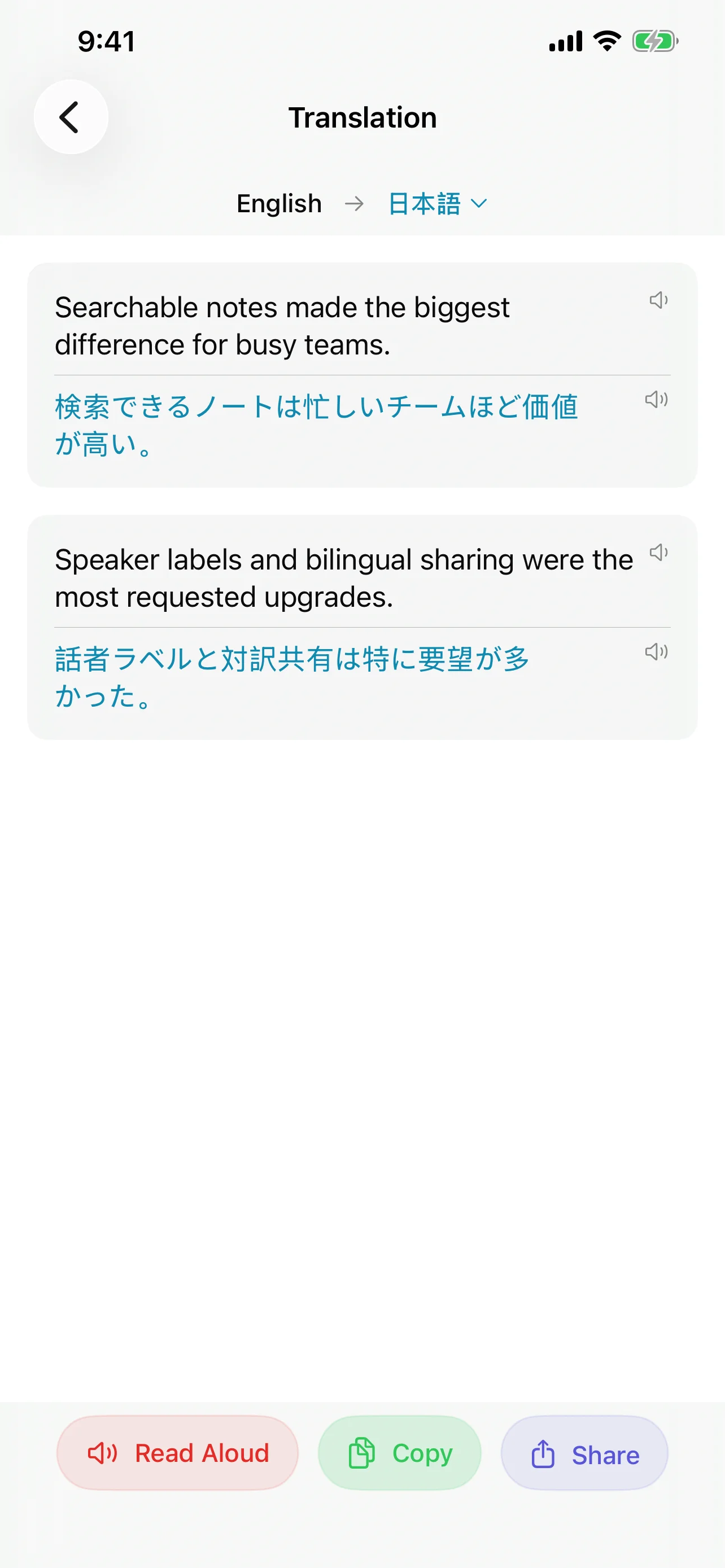
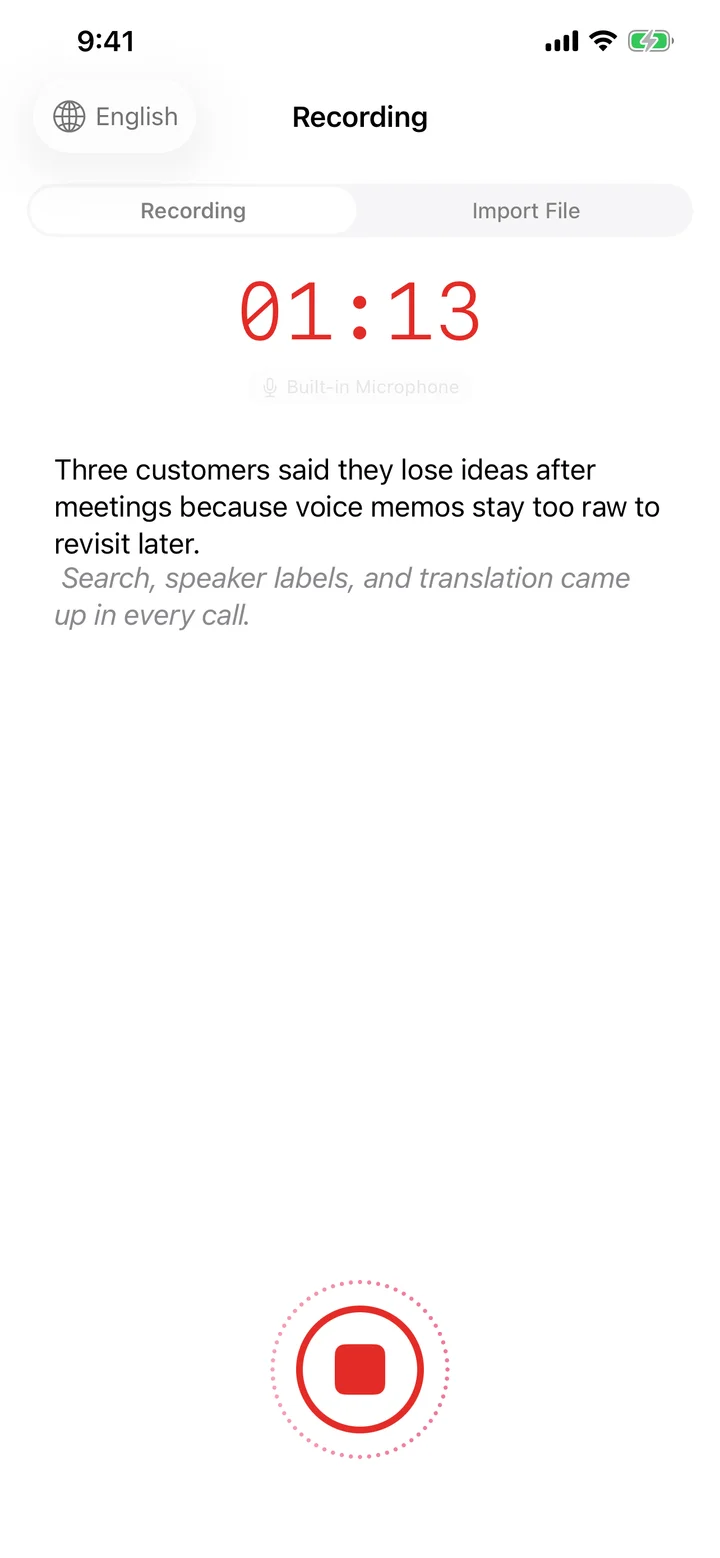
Start on iPhone, iPad, Apple Watch, widgets, Live Activity, Dynamic Island, or import existing audio and video files.
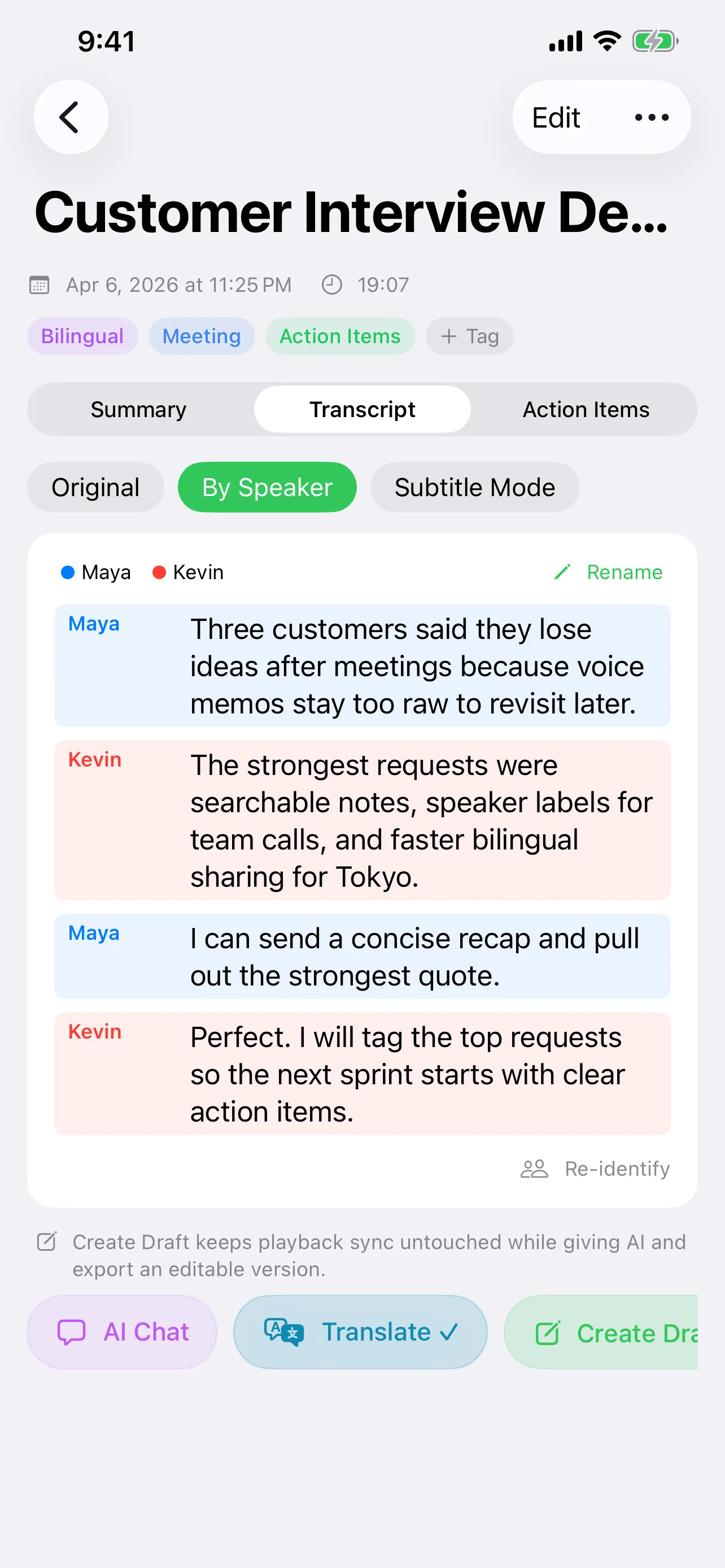
Generate transcripts, speaker-separated views, subtitle mode, AI summaries, and follow-up actions without leaving the note.
Translate, export subtitles, search notes, share content, reopen from Spotlight, and keep working inside AI chat.
Record on the device that's in your hand, review on the one that's on your desk, and never lose a moment in between — everything syncs back into the same transcripts, notes, and AI chat.
Your big-screen workspace
Review long transcripts, speaker-separated meetings, and action items with room to breathe. AI chat keeps the full context on one screen while you refine summaries and subtitles.
Your everyday capture
Tap once to record. Live Activity, Dynamic Island, widgets, and Spotlight make it effortless to start and return to any note.
Hands-free capture
Start recording from your wrist in a second. Audio streams safely back to iPhone so you can walk, stand, or work without reaching for your phone.

Speechy is built for meetings, interviews, lectures, podcasts, customer calls, and fast voice memos. The point is not just to record. It is to make the recording usable immediately.
Speechy helps you move from raw audio to readable structure. Speaker recognition, subtitle mode, edited transcripts, and playback sync make review dramatically faster.
Speechy is strongest after transcription. AI summaries, action items, and note-level AI chat help you turn a meeting, call, or lecture into something you can actually use.
Use Speechy for multilingual meetings, study notes, subtitle prep, and cross-language collaboration. Translate inside the note and keep the workflow readable.
Live Activity, Dynamic Island, widgets, Spotlight, Shortcuts, and App Intents all plug in so Speechy starts faster and lives where your other apps do.
Pull existing material into one searchable workspace.
Move from transcript to delivery without extra cleanup.
Use built-in intelligence or connect the models you trust.
The strongest proof is not a feature list. It is whether people find the app useful in actual recording, accessibility, and multilingual workflows.
"At last. A real dictation app. It stood out in accuracy, usability, and the ability to manage both text and audio files together."
"Excellent for understanding spoken conversations and turning them into readable text. It became genuinely useful in real situations."
"The translation support is what made the app stand out. It feels practical when you need speech, text, and multilingual help together."
"Easy to use and strong on full-speech transcription. It handled longer audio in a way that was still usable after export."
"A practical tool for getting spoken thoughts into text quickly. It made it much easier to keep track of ideas without extra cleanup."
"The app became far more useful once translation was part of the workflow. It helped bridge speech, text, and language support in one place."
Prices shown are for customers in the United States. Pricing in other countries or regions may vary and may be converted into your local currency by Apple.
Start with the core capture and transcript workflow.

Best if you want flexibility.
Best value for regular use.
The practical questions that come up most often from new users.
No. It supports both live recording and file import, so you can transcribe meetings as they happen or process existing audio and video later.
Yes. Speechy supports translation workflows, bilingual notes, read aloud tools, and subtitle-friendly output for study, communication, and content work.
Yes. Speechy also supports iPad, Apple Watch recording, widgets, Live Activity, Dynamic Island, Spotlight reopening, and multiple share extensions.
Speechy supports Apple Intelligence, local MLX workflows, OpenAI-compatible integrations, and provider-based setups including OpenAI, Anthropic, and Gemini.
If your current workflow is scattered across voice memos, transcripts, notes, and follow-up tasks, Speechy gives you one place to handle the whole chain.